
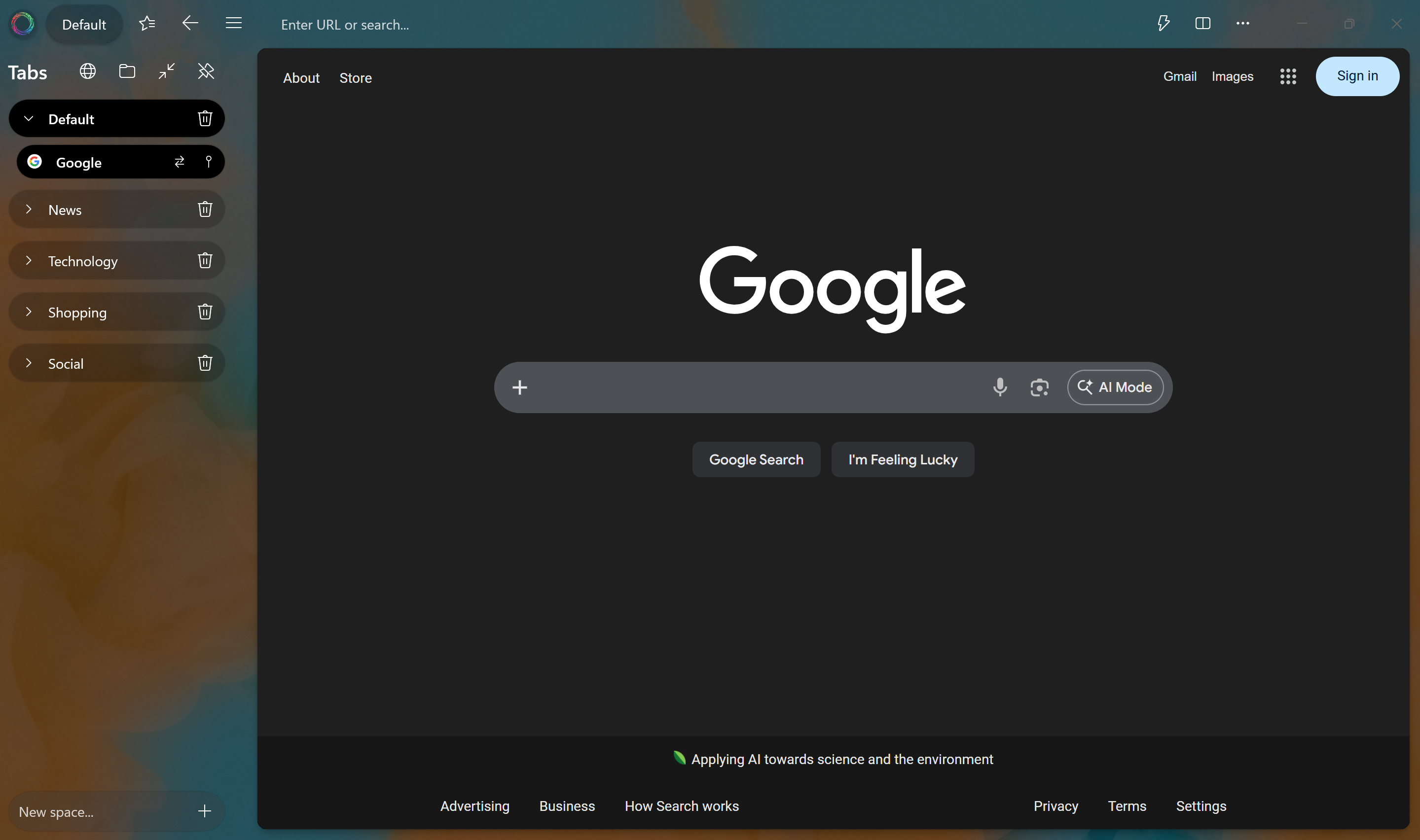
Pan Browser combines the full power of Chromium with a built-in AI assistant, file explorer, workspace organization, and more — all in one beautifully designed Windows app.
Works with all your favorite AI providers
Pan Browser reimagines what a browser can be — from how you organize tabs to how you interact with the web and your files.
Full-speed, full-compatibility browsing via WebView2 — every site works, every time.
Ask questions, summarize pages, manage tabs, fill forms — with Claude, GPT, or Gemini.
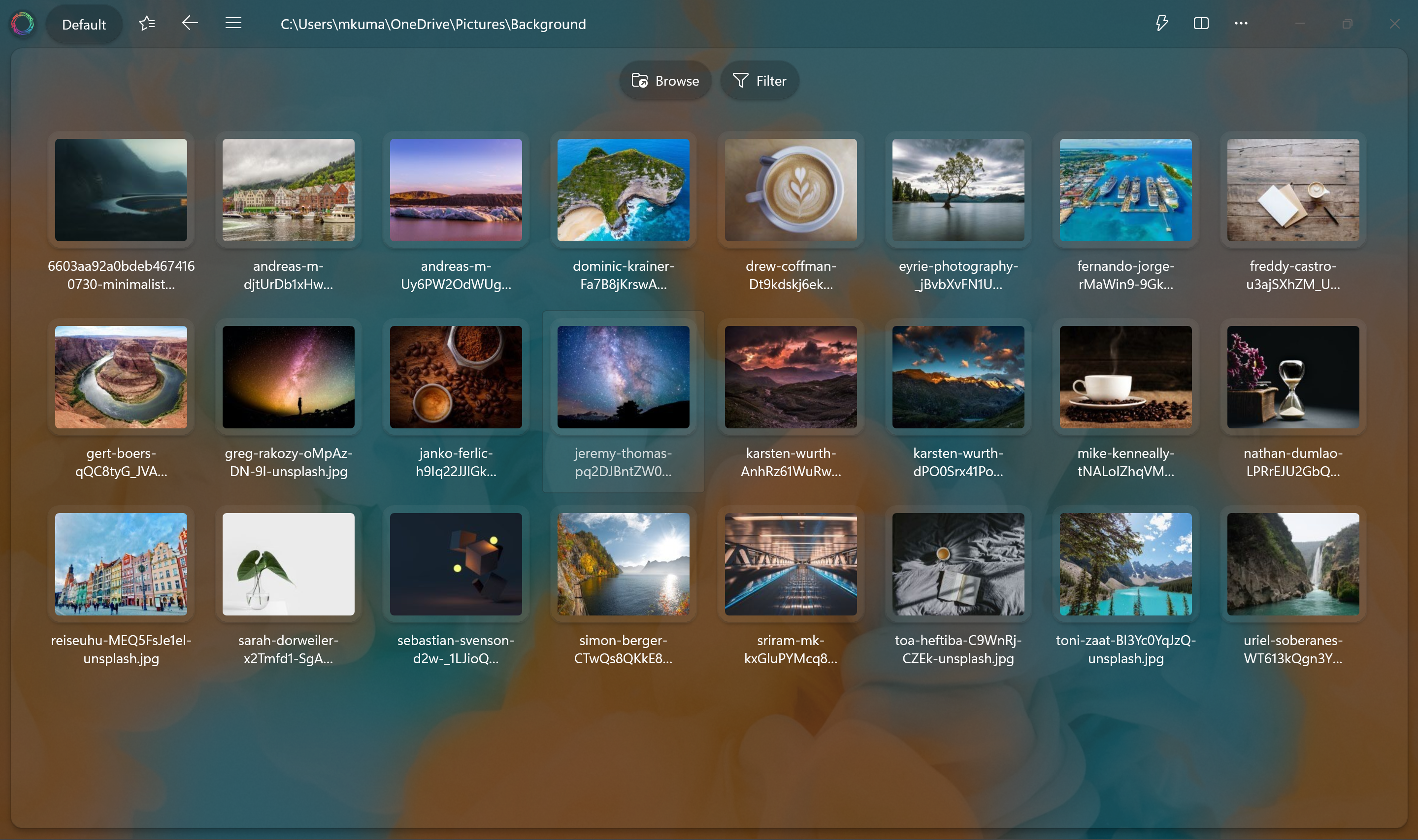
Browse your file system in dedicated tabs — copy, move, rename, search, and preview media.
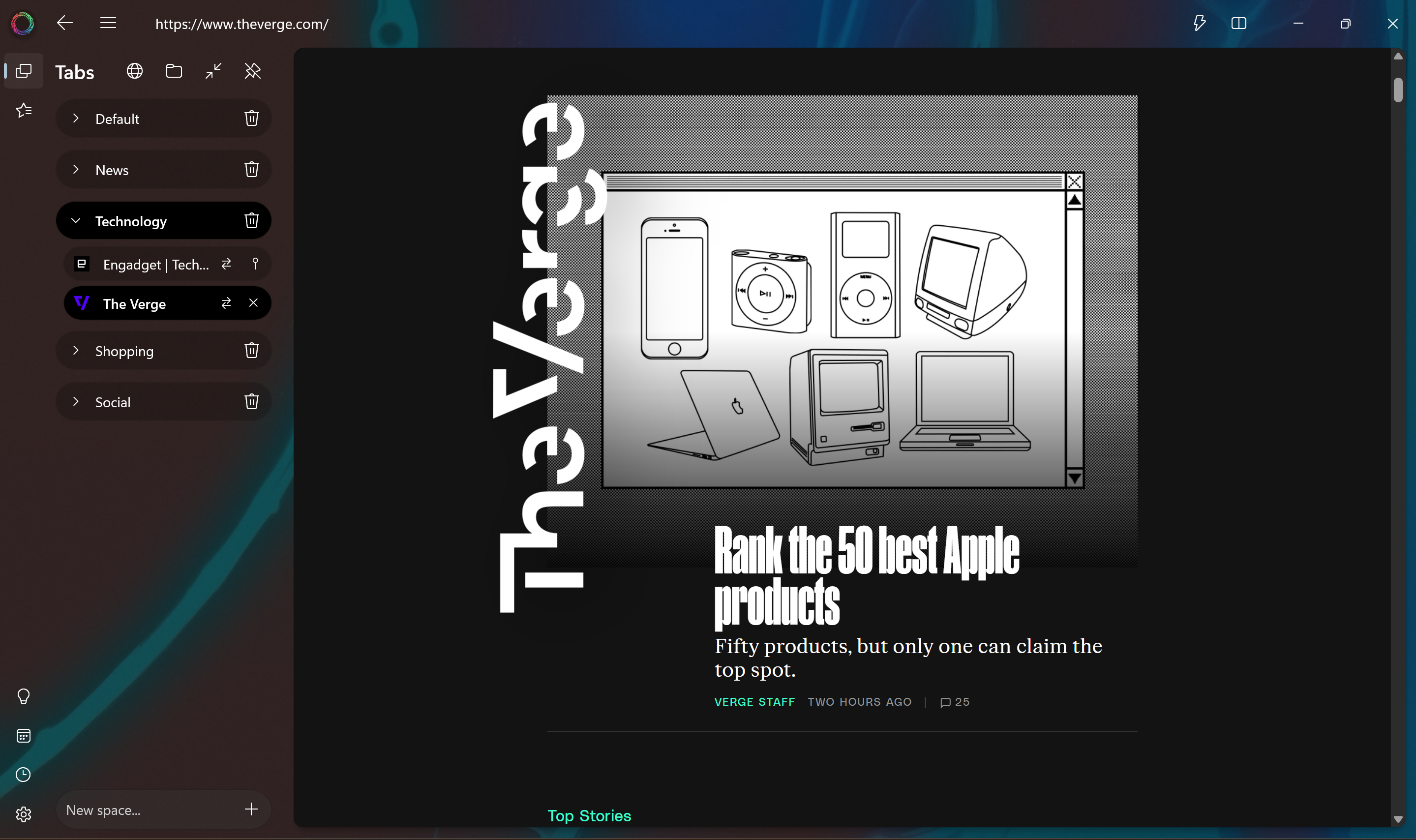
Named workspaces and fully isolated sessions — switch instantly with complete state restoration.
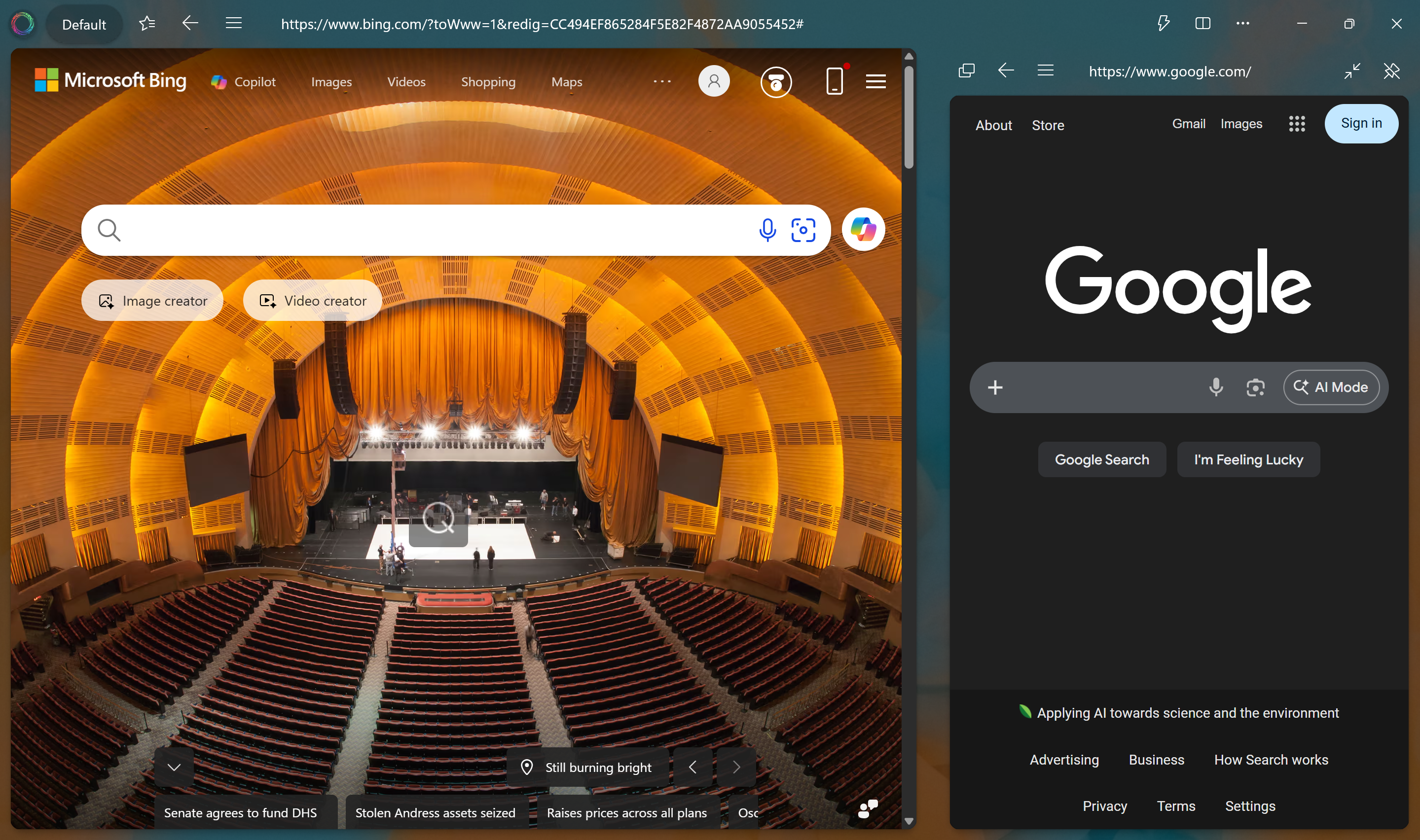
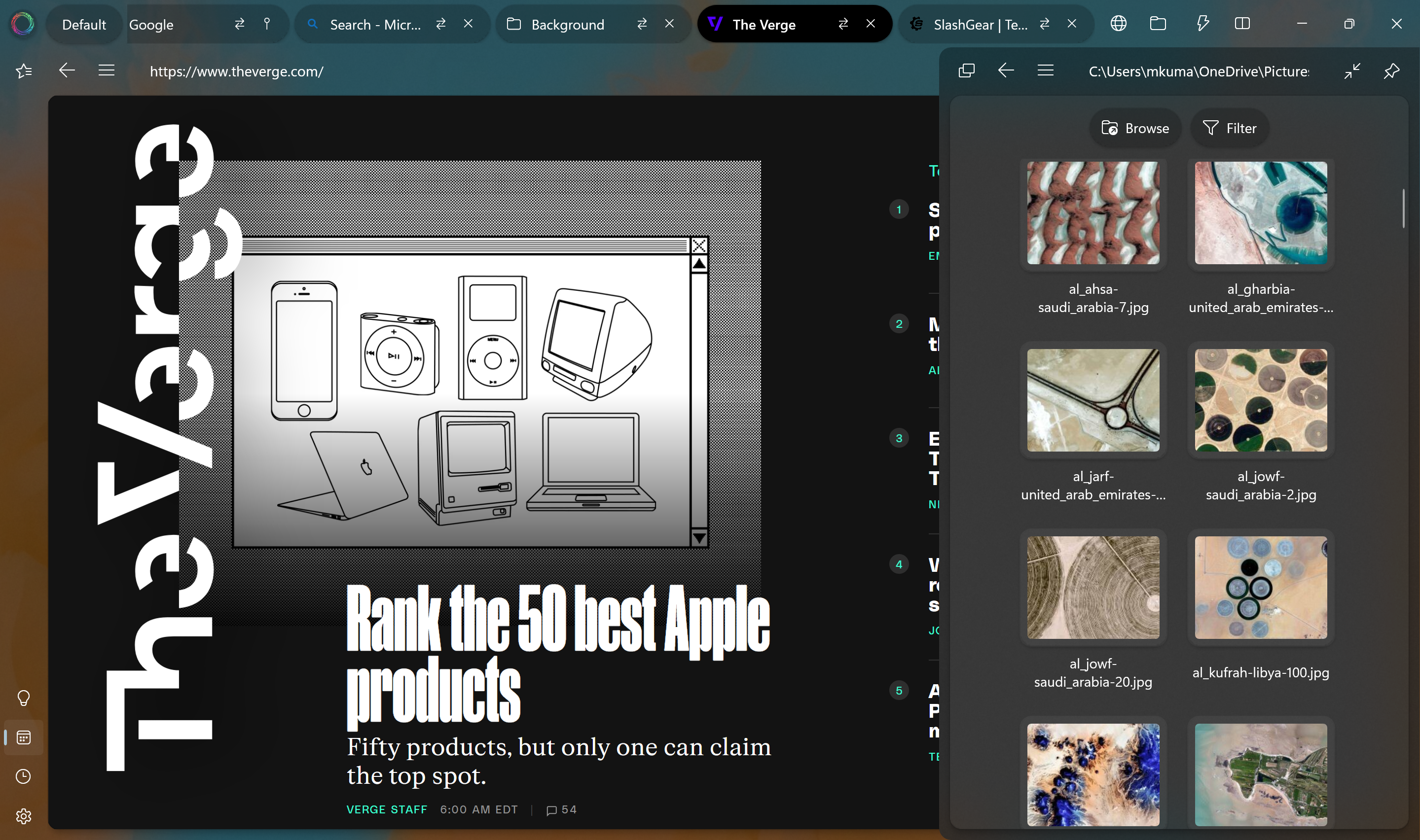
Keep a reference tab pinned alongside your main browsing. Docked or overlay — your choice.
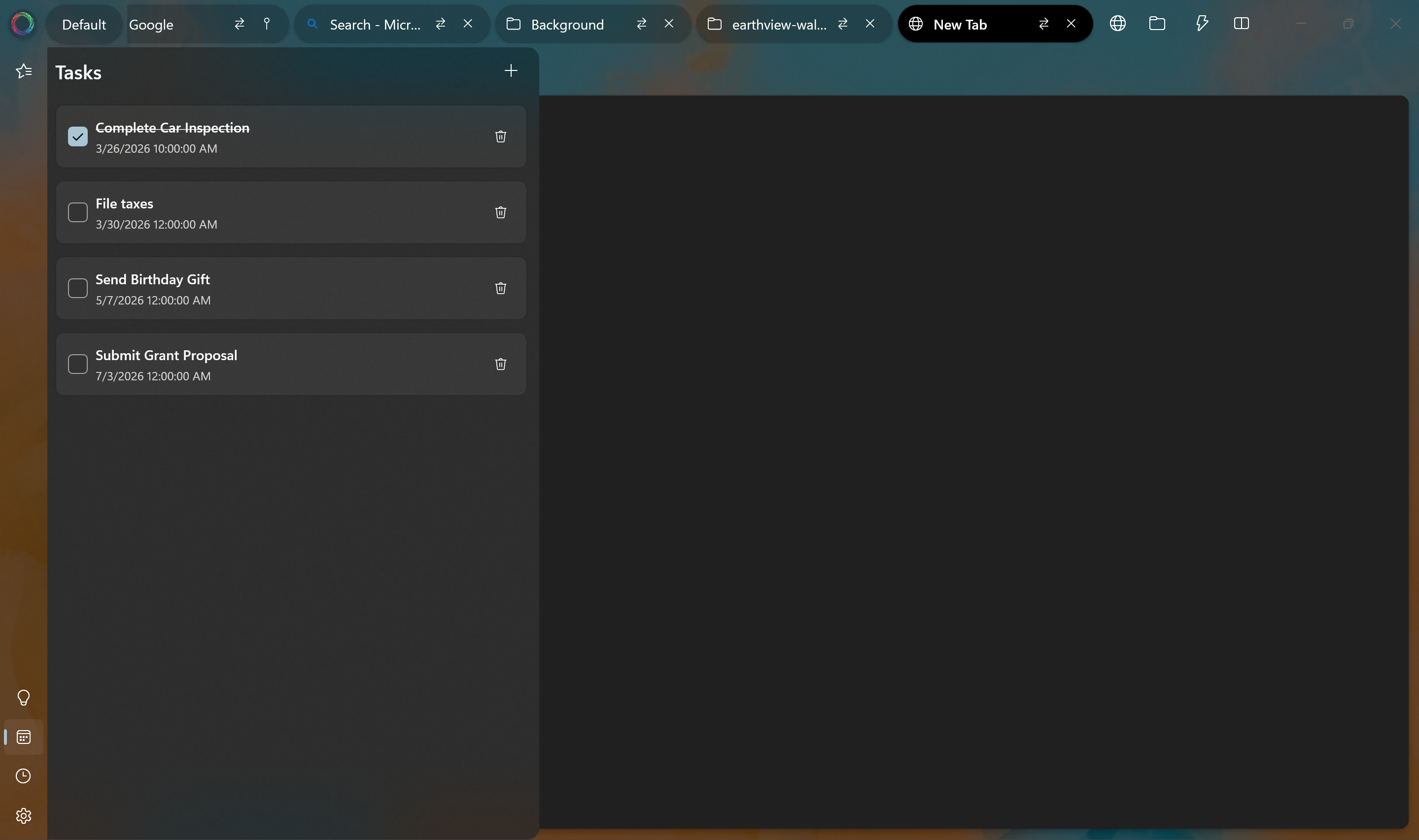
Save notes the AI recalls later. Manage tasks with deadlines. All persists across sessions.
Block ads globally or per domain — no extensions needed. Stay fast and clean.
Strip away clutter for distraction-free reading of any article, instantly.
Videos float automatically when you switch tabs — intelligently skips ads and silent clips.
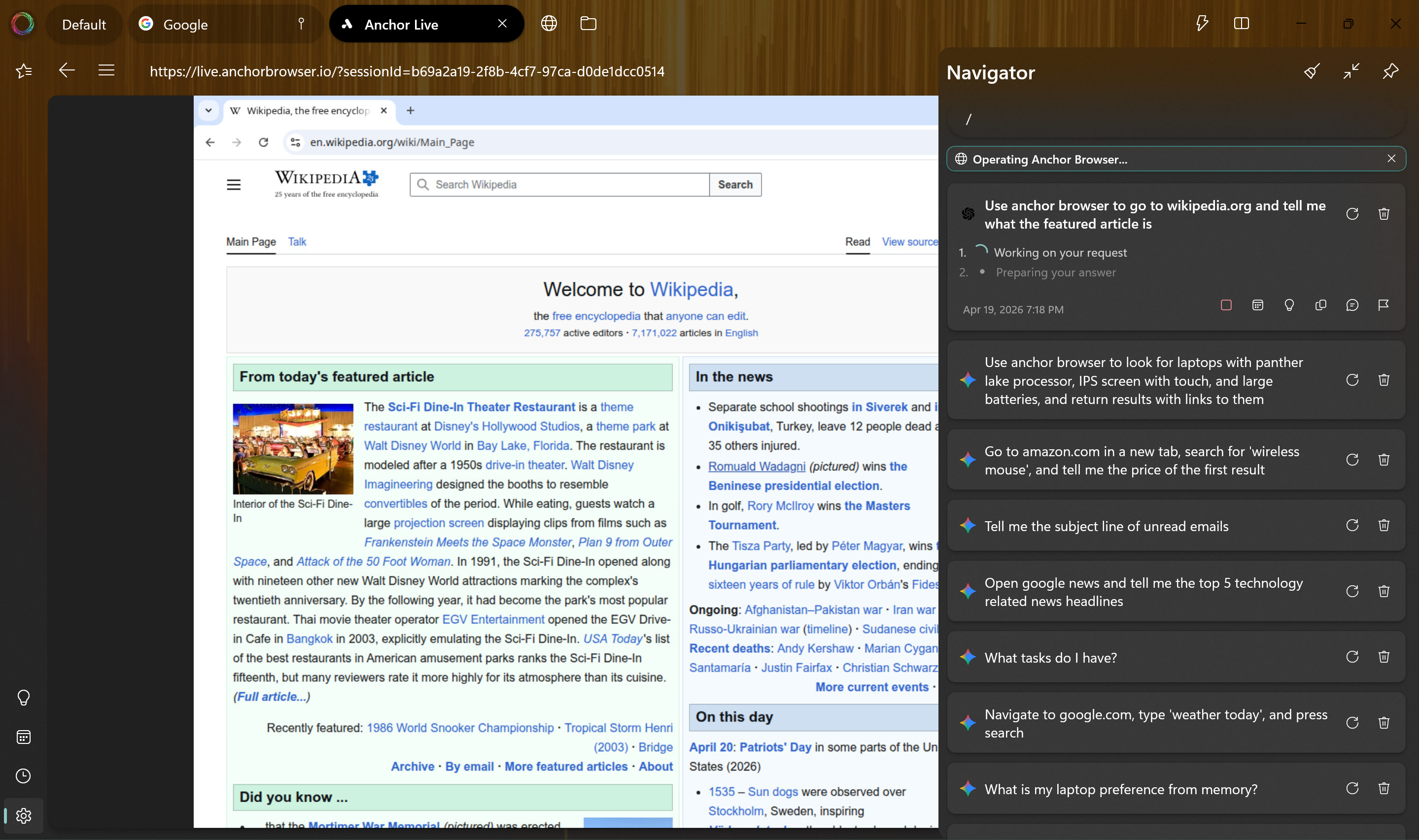
The Navigator doesn't just answer questions — it sees your open tabs, bookmarks, and history to give deeply contextual answers. In Agent Mode, it can click, navigate, fill forms, and manage your browser entirely on its own.
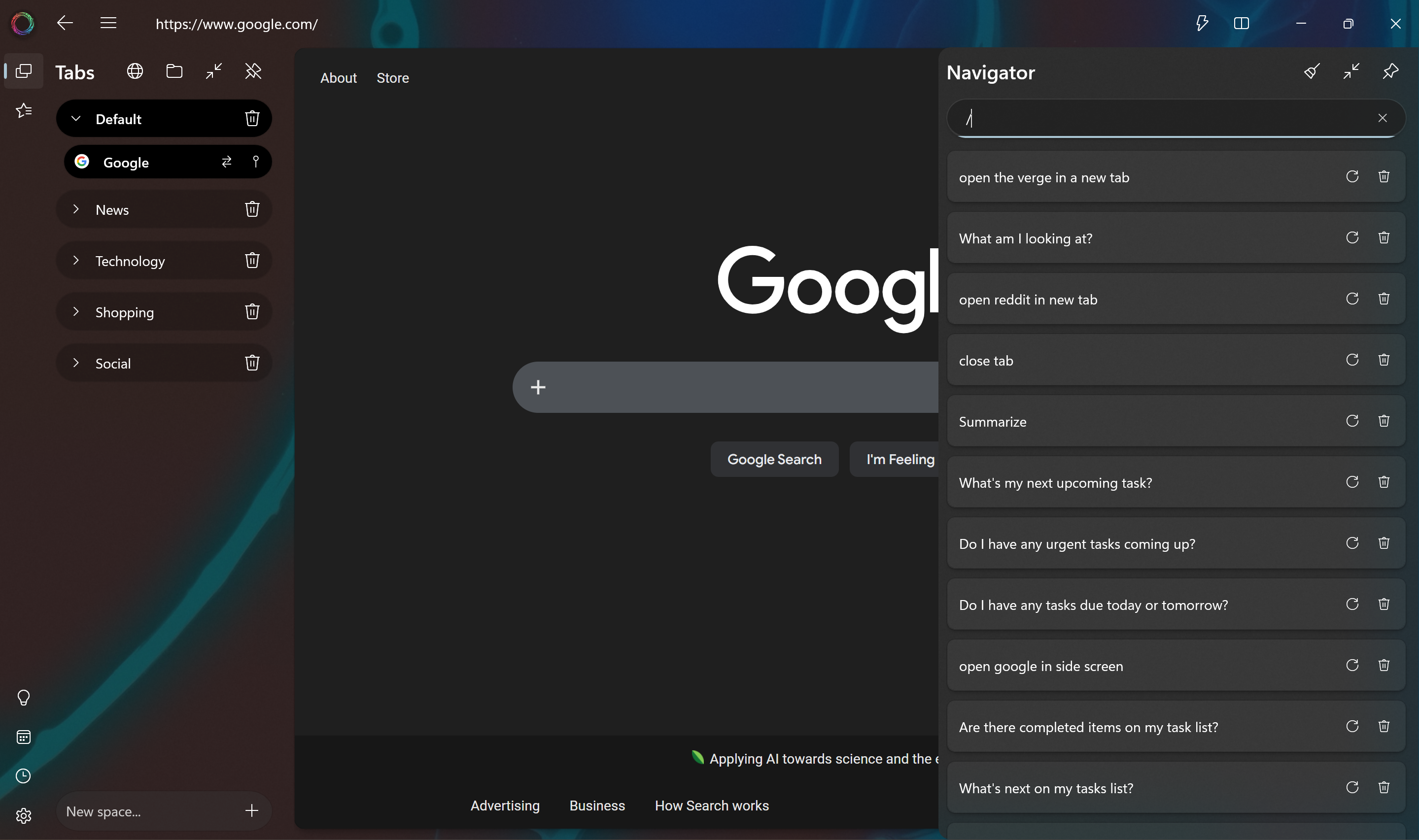
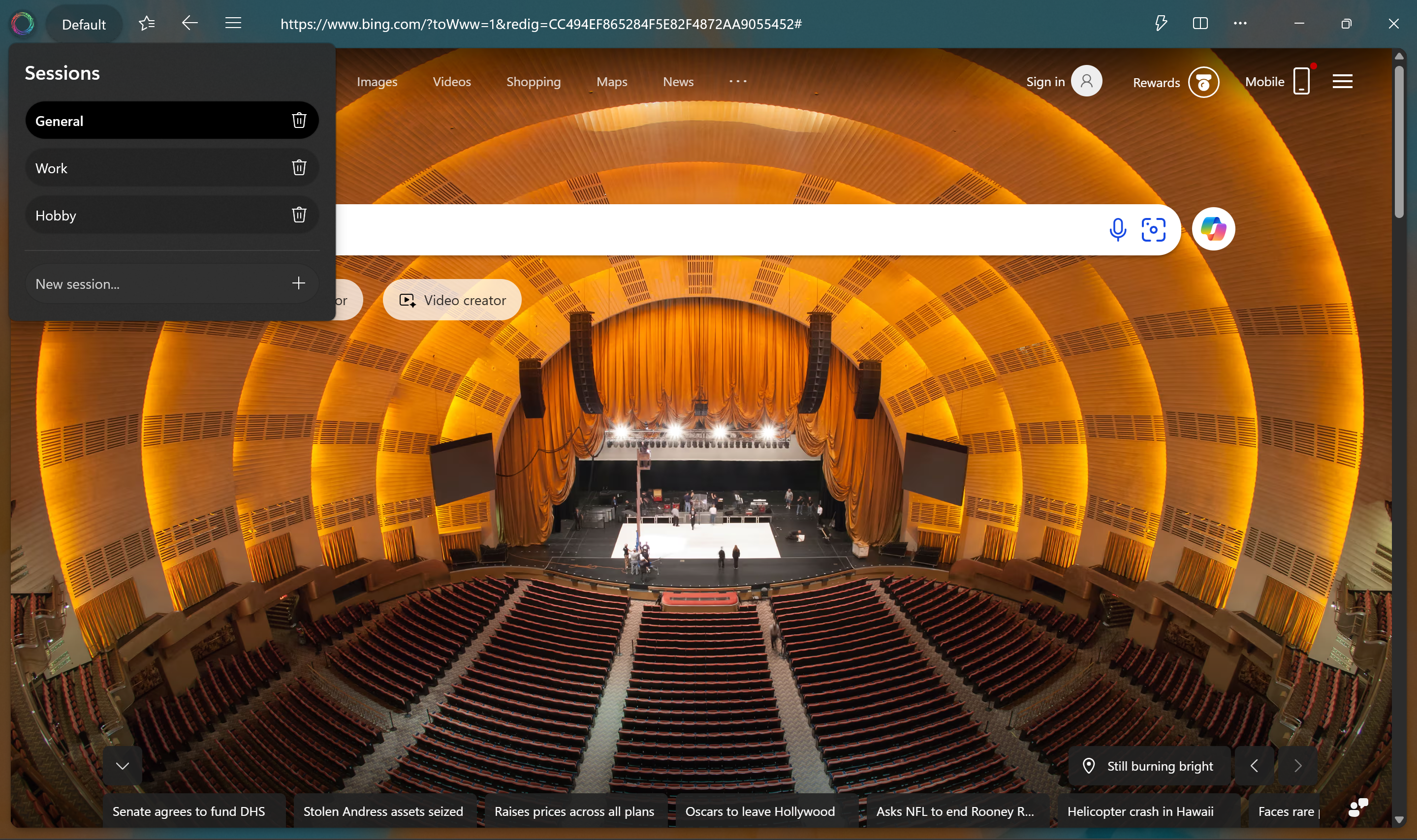
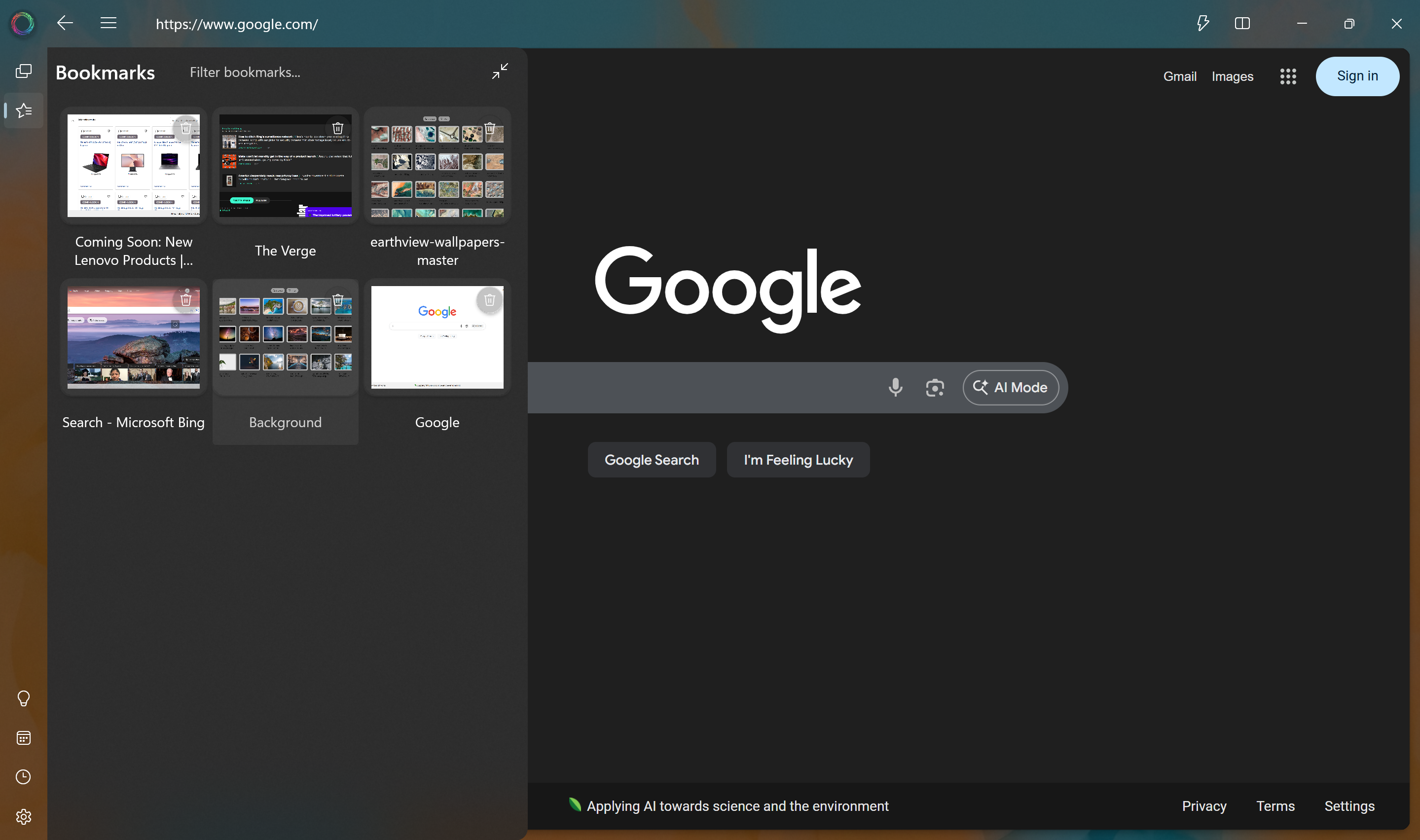
Create named Spaces for different projects — News, Work, Shopping, Hobbies. Spin up fully isolated Sessions with separate cookies and history. Switch between everything in seconds with complete state restoration.
Keep a reference tab always visible alongside your main browsing. The Side Screen panel can be toggled as an overlay or docked inline — drag to resize and your preferred width is remembered forever.
No more alt-tabbing between your browser and file manager. Pan Browser opens your folders as native explorer tabs — with full file operations, media previews, AI-powered search, and folder bookmarks all built right in.
Pan Browser is your second brain. Save important notes that the AI can recall and reference in any conversation. Manage tasks with deadlines. Ask in plain language — "what tasks are due this week?" — and get instant answers.
Connect to a cloud-powered AI browser that handles complex web tasks for you. Say "use anchor browser to find flights to Tokyo" and watch the AI navigate, search, and extract results in a real-time Live View — while you keep browsing locally.
Every panel. Every feature. Beautifully designed for Windows.
Pan Browser is built on the principle that your browsing data belongs to you — and only you.
All your history, bookmarks, memories, and tasks live only on your device — never in the cloud.
Nothing is sent to external servers without your explicit consent. Ever.
AI keys are stored in Windows Credential Manager — not in any file or database.
Each session is fully sandboxed — separate cookies, storage, and browsing identity.
Download Pan Browser — available now on Windows 10 and later.
Download on Microsoft Store